Install the free Menu Up TV app on your Android TV, Google TV or Fire TV, build your menu with the controller app on your iPhone or iPad, and publish it to the screen over Wi-Fi in seconds. No PC, no cloud, no monthly fees.
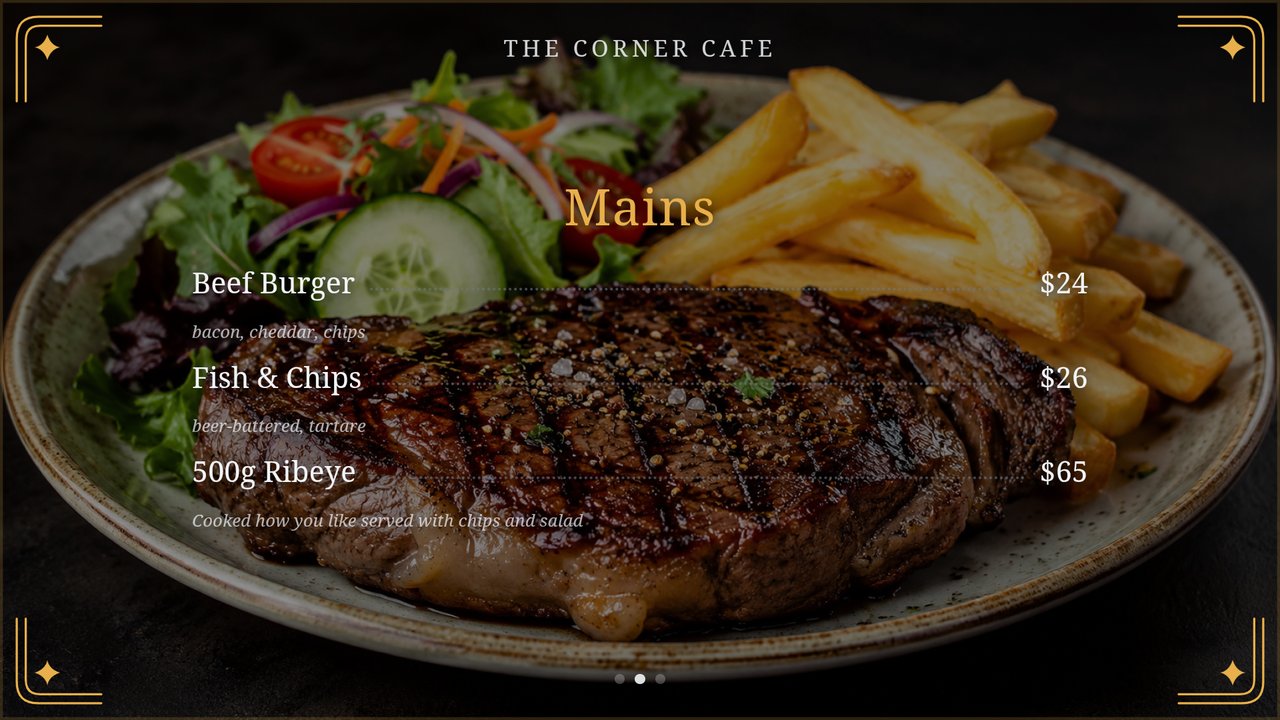
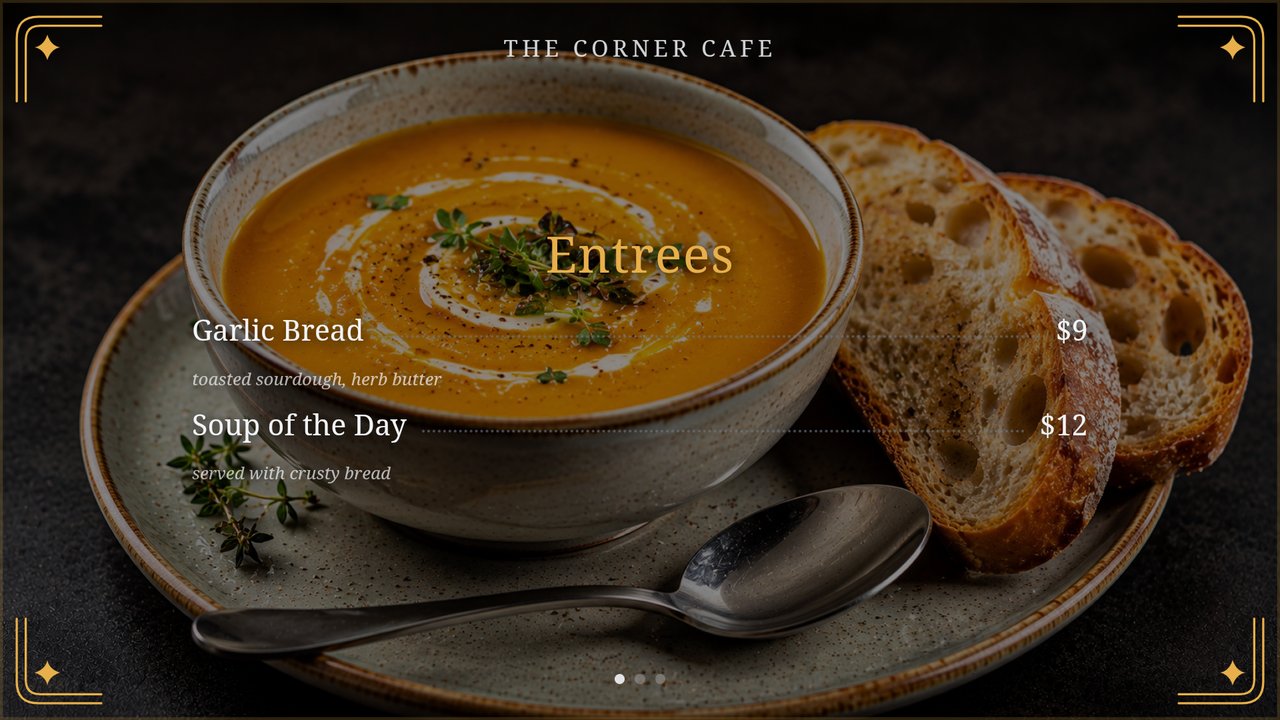
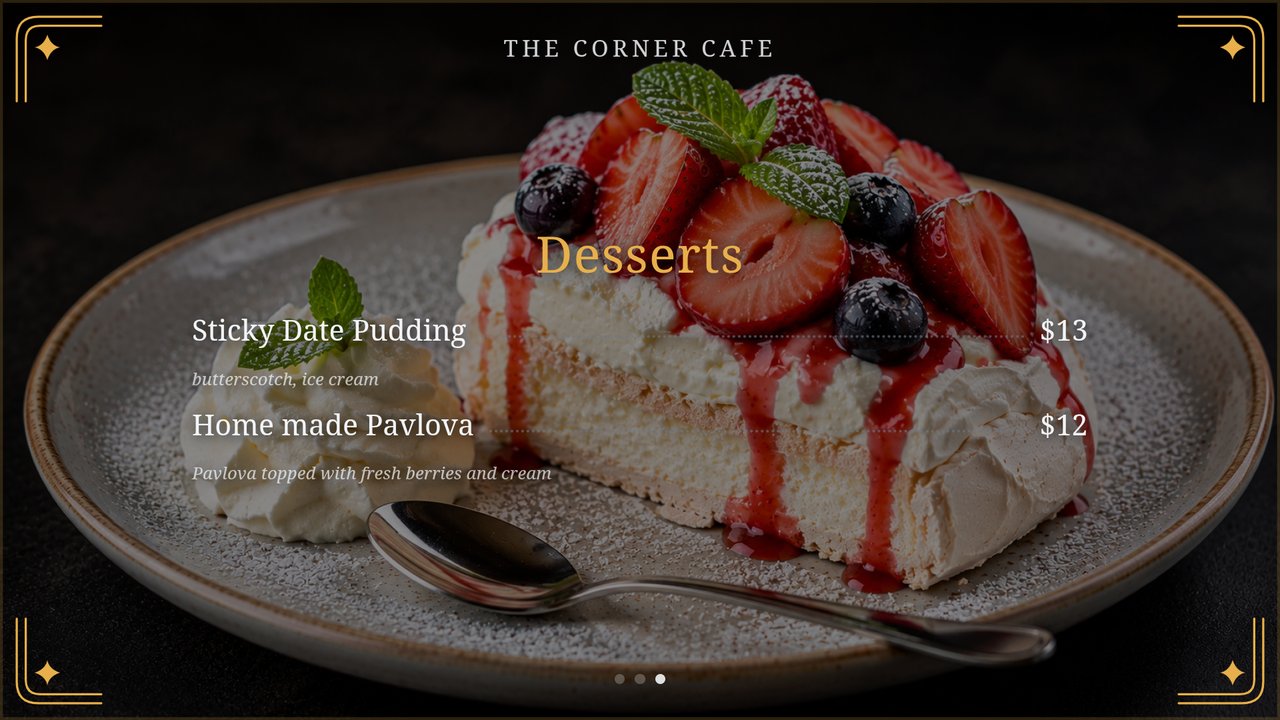
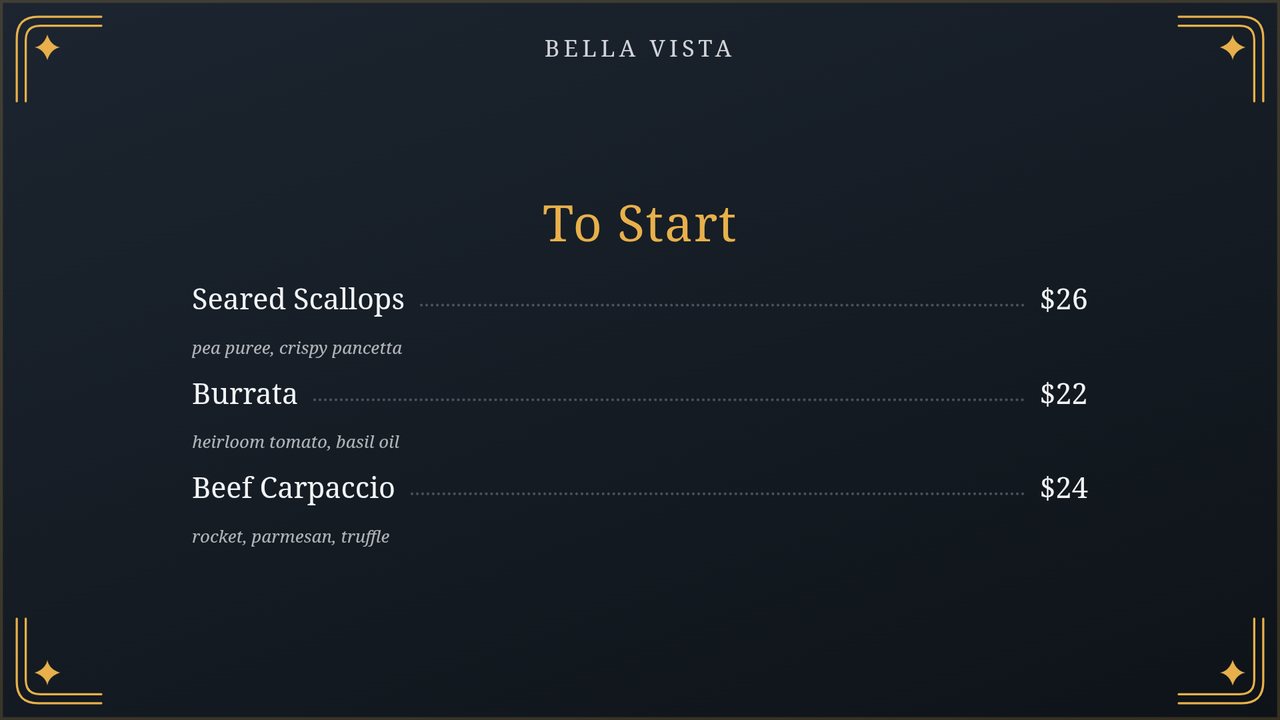
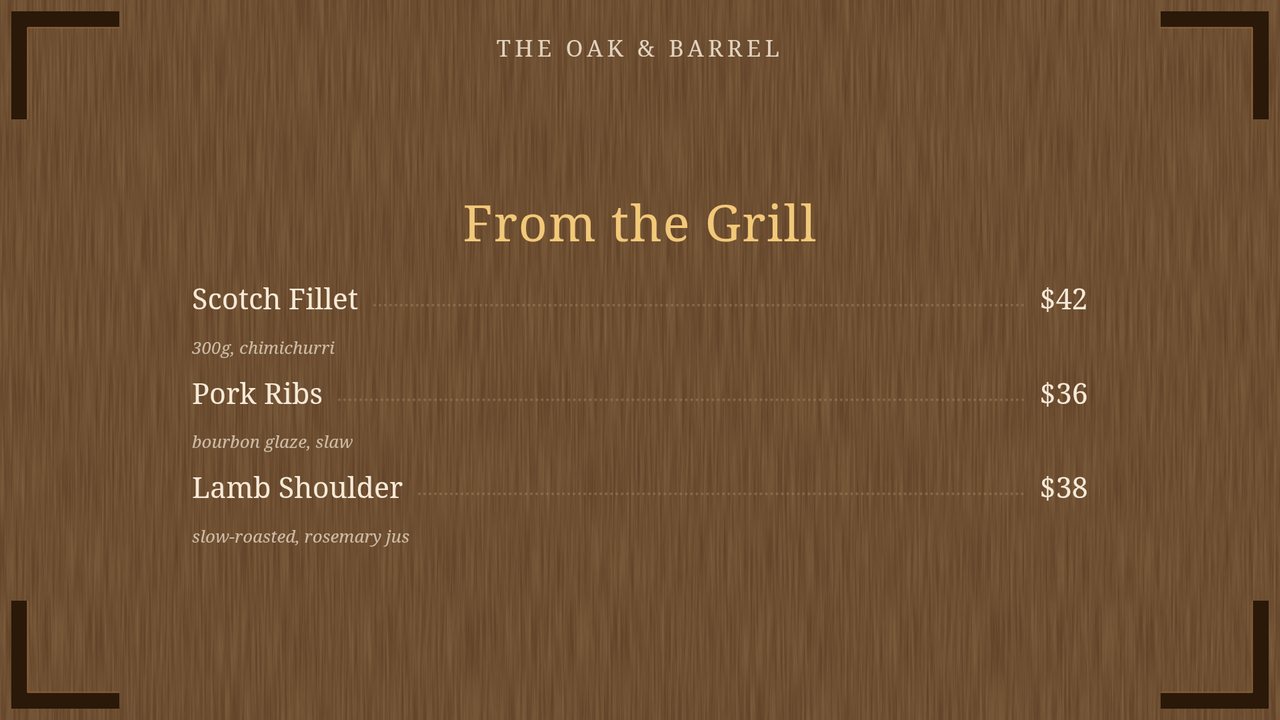
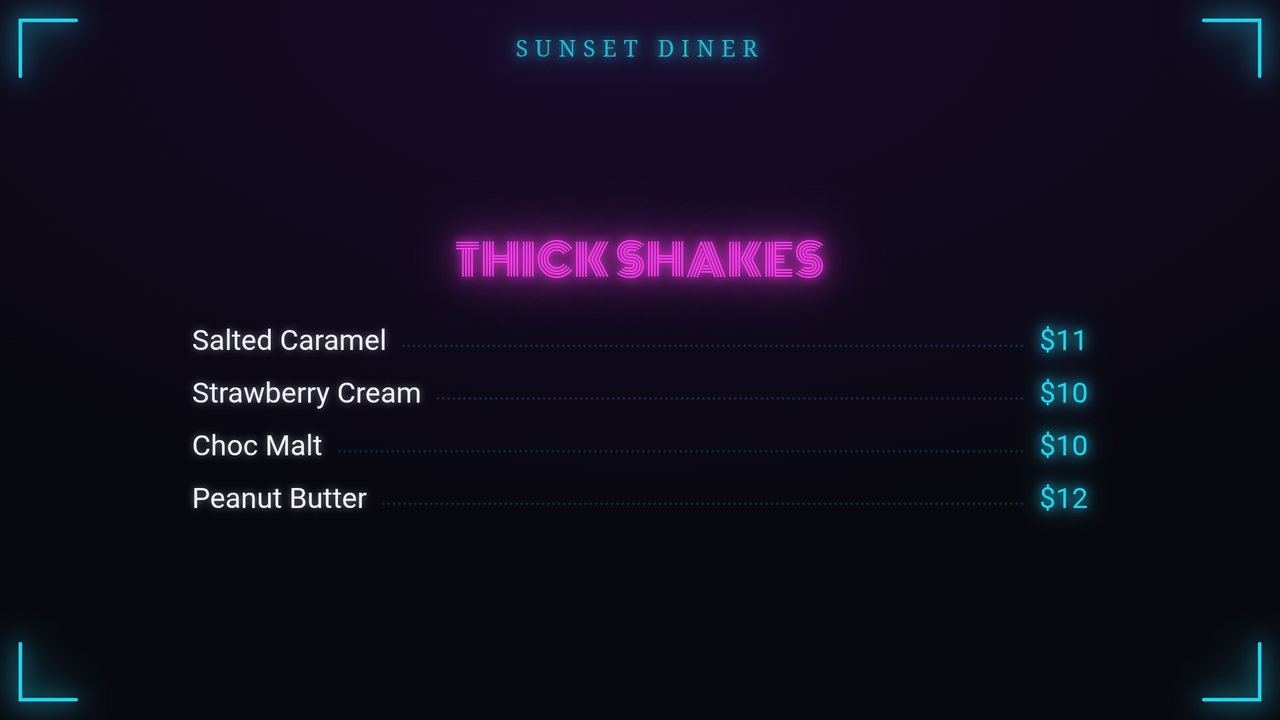
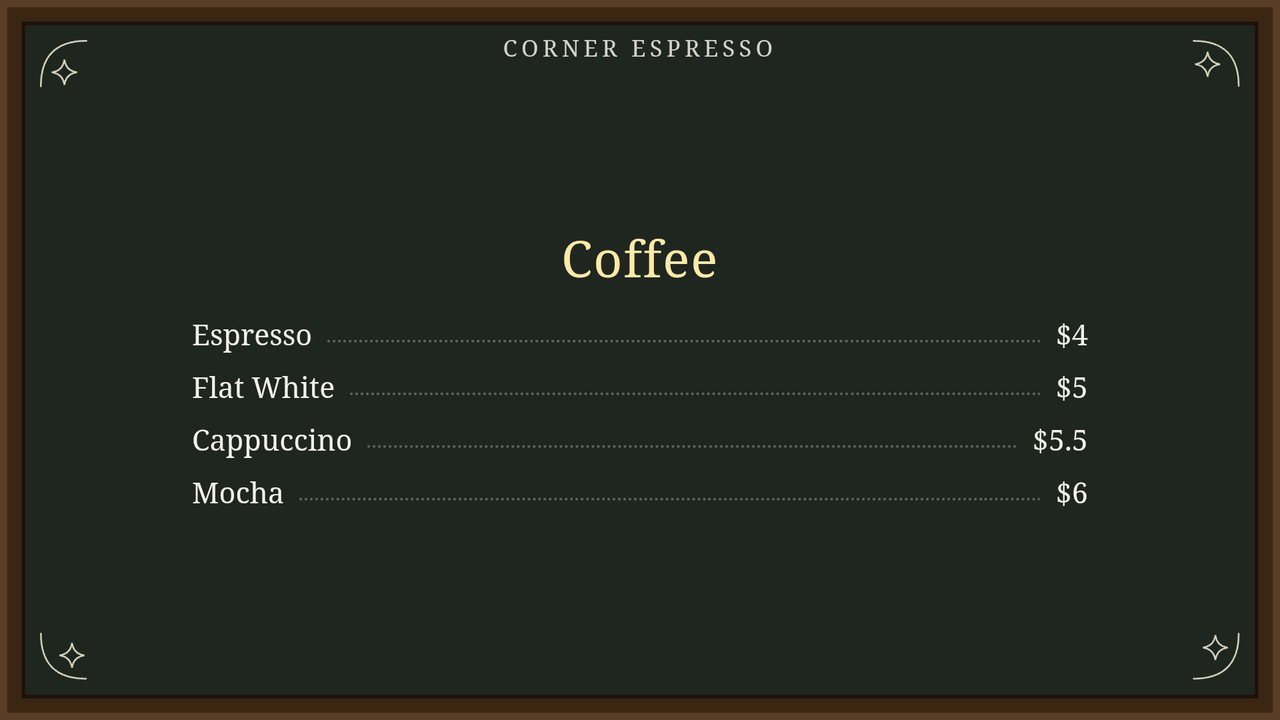
Six designed looks with real woodgrain, linen and chalk textures, elegant corner flourishes and neon-tube fonts — or drop your own dish photos behind every page. Pick one, publish, done. Tap any screen to enlarge.


Built for cafes, pubs, bars, restaurants, food trucks and bakeries — and anywhere else that needs a smart screen.
Slate, Chalkboard, Timber, Linen, Neon and Pop — with real textures and decorative corners.
Show dish photos between menu pages and set a background photo behind each section.
Rotating pages (Entrees, Mains, Desserts…), adjustable text size and glow to suit any room.
Build the menu on iPhone or iPad and send it to the TV over your local Wi-Fi in seconds. Android controller coming soon.
Mount your TV either way — the board rotates to suit sideways screens perfectly.
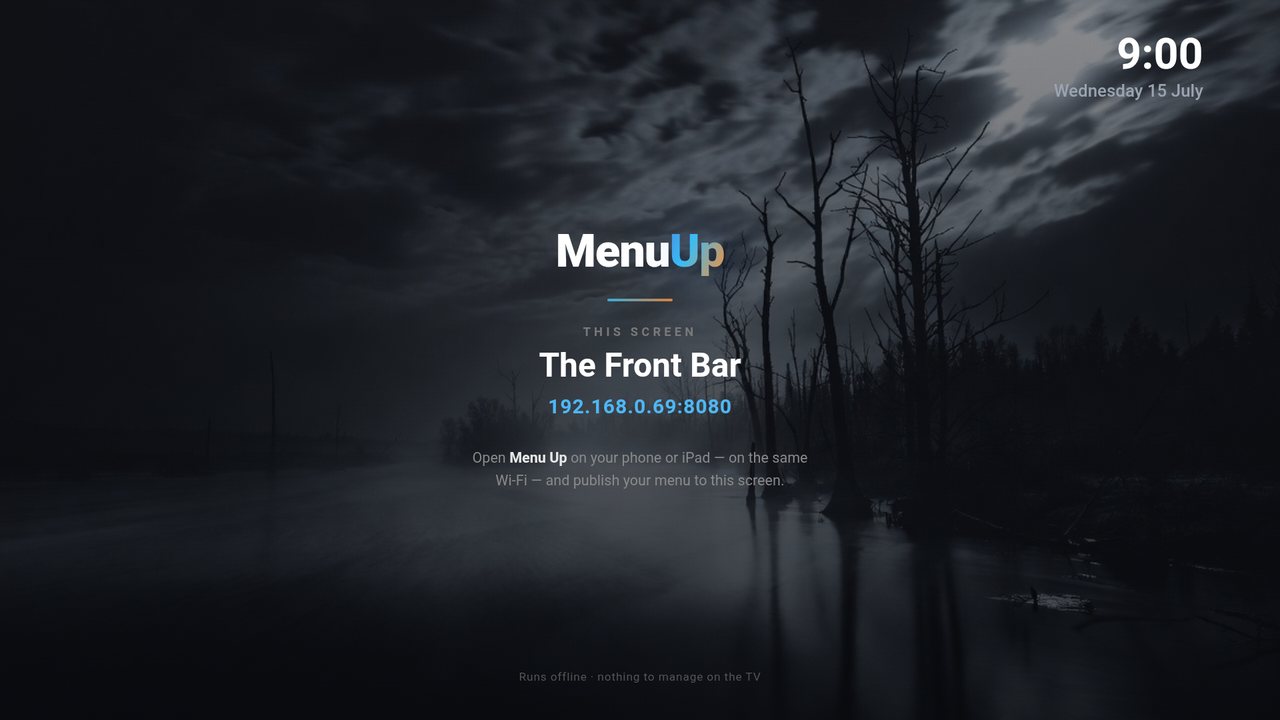
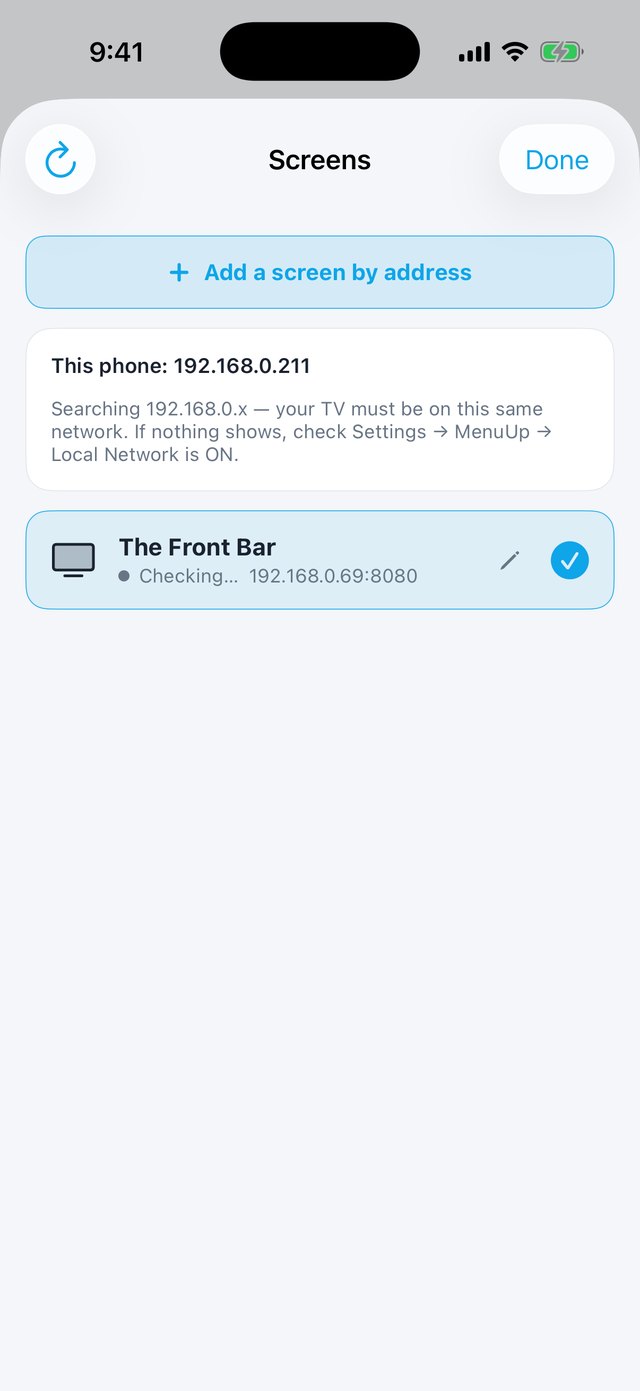
Name every screen (Front Bar, Bistro, Kitchen…) and send a different menu to each one.
Automatic open/close scheduling, and the board survives the TV being switched off and on.
Free TV app on as many screens as you like. No cloud, no accounts, no subscriptions — it runs offline.
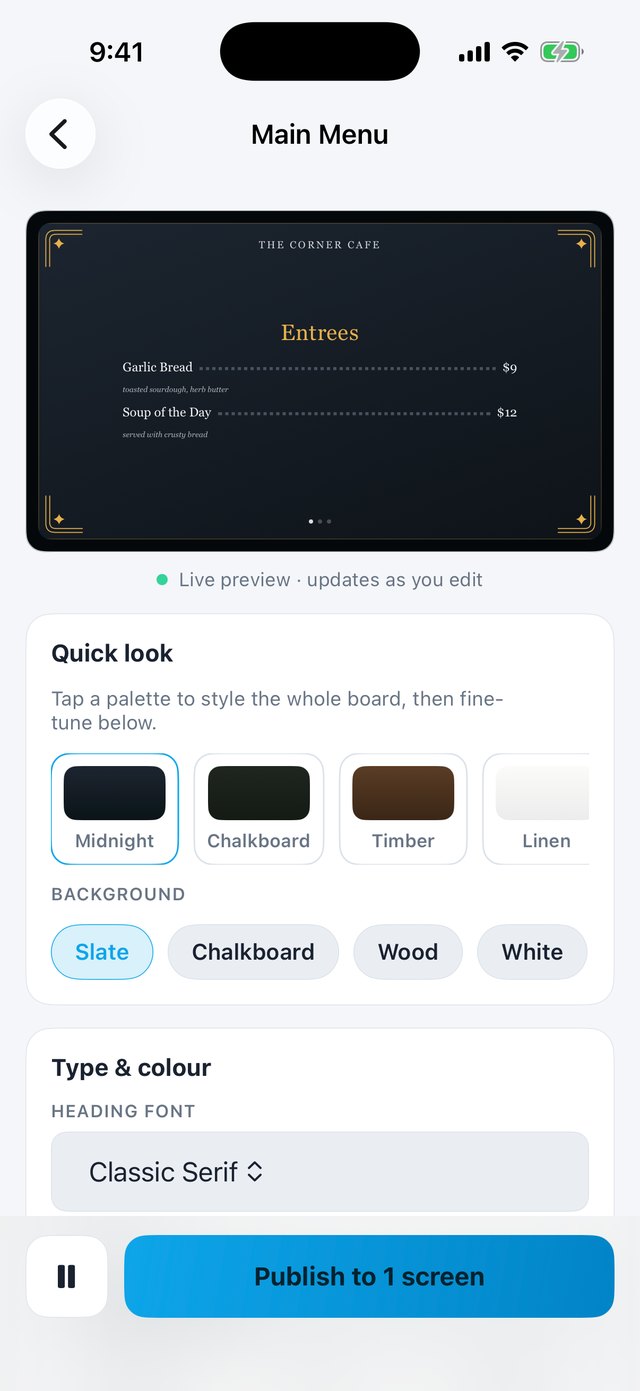
The TV app is Android through and through — and you drive it with the Menu Up controller app. Build menus, style them with a live TV preview, and publish to any screen on your Wi-Fi. Available for iPhone & iPad today, with an Android controller app in development. Tap a phone to enlarge.

Live TV preview updates as you edit — palettes, backgrounds, fonts and colours.

TVs appear automatically — name each one (Front Bar, Bistro…) and pick where to publish.

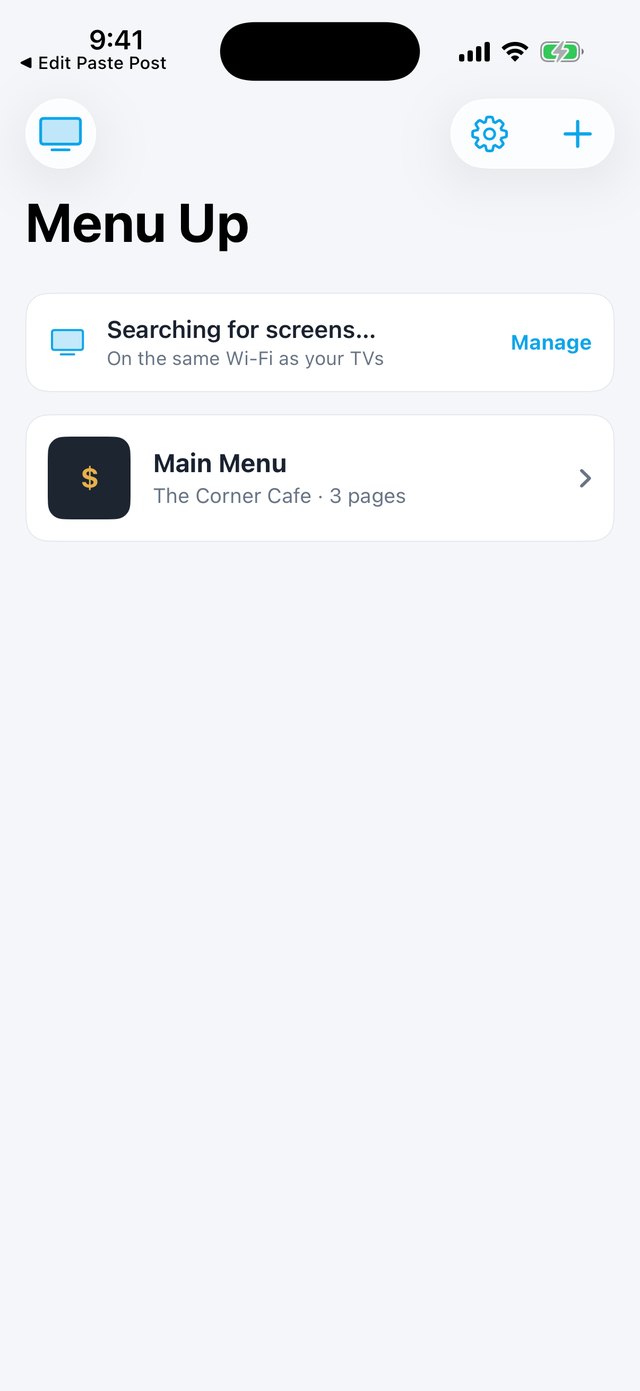
Keep breakfast, dinner and specials boards side by side — publish any of them in a tap.

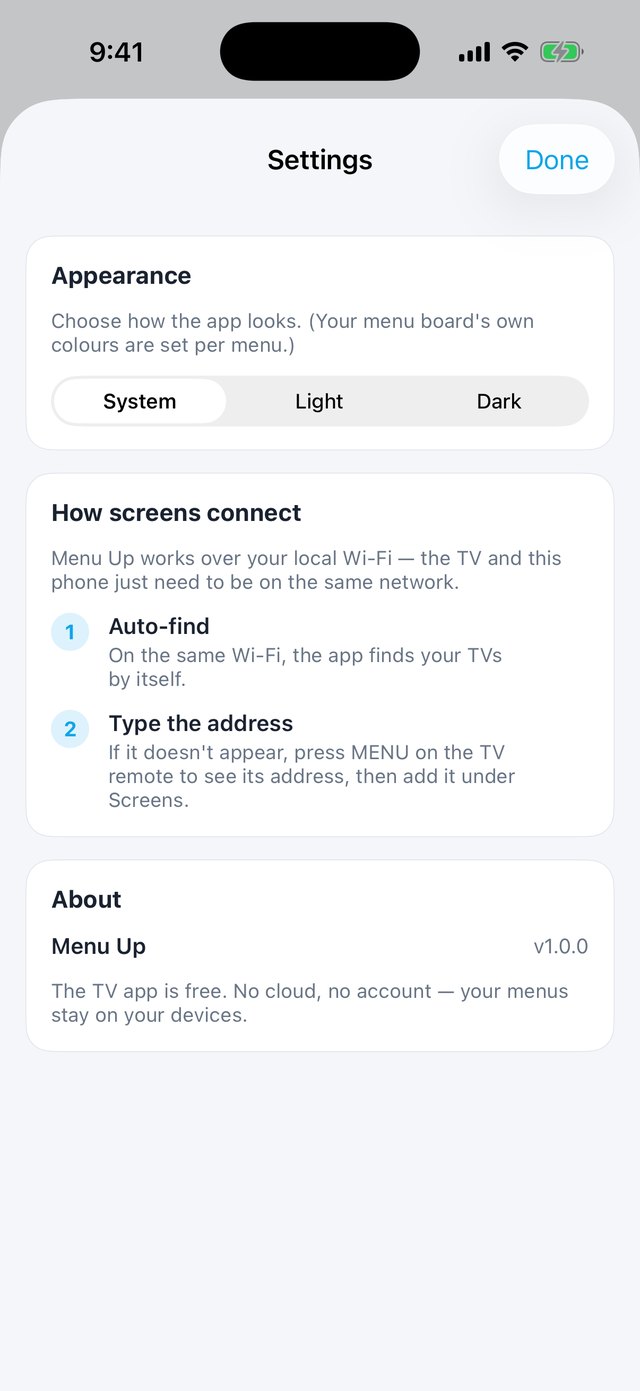
Orientation, appearance and screen options — nothing complicated, ever.
Get the free Menu Up app on your Android TV, Google TV or Fire TV.
Launch the Menu Up controller on your iPhone or iPad (Android phones coming soon) — it finds your TV automatically.
Add your pages and items, pick a style, drop in photos, set your text size.
Tap Publish — your menu appears on the TV and keeps running until you change it.