Squink turns one Windows PC into the entertainment engine for your whole home —
movies, TV shows, a shared music jukebox, photos and casting, on every telly, phone and tablet in the house.
Completely free · No accounts · No ads · Your files stay yours — compliments of Austech
Everything it does
A full media platform, not just a player
Point Squink at your folders and it does the rest — automatically, on every device you own.
Movies & TV, dressed properly
Posters, backdrops, plots and ratings appear automatically — no signup, no API keys, no setup. Your library looks like a streaming service from the first scan.
The House Jukebox
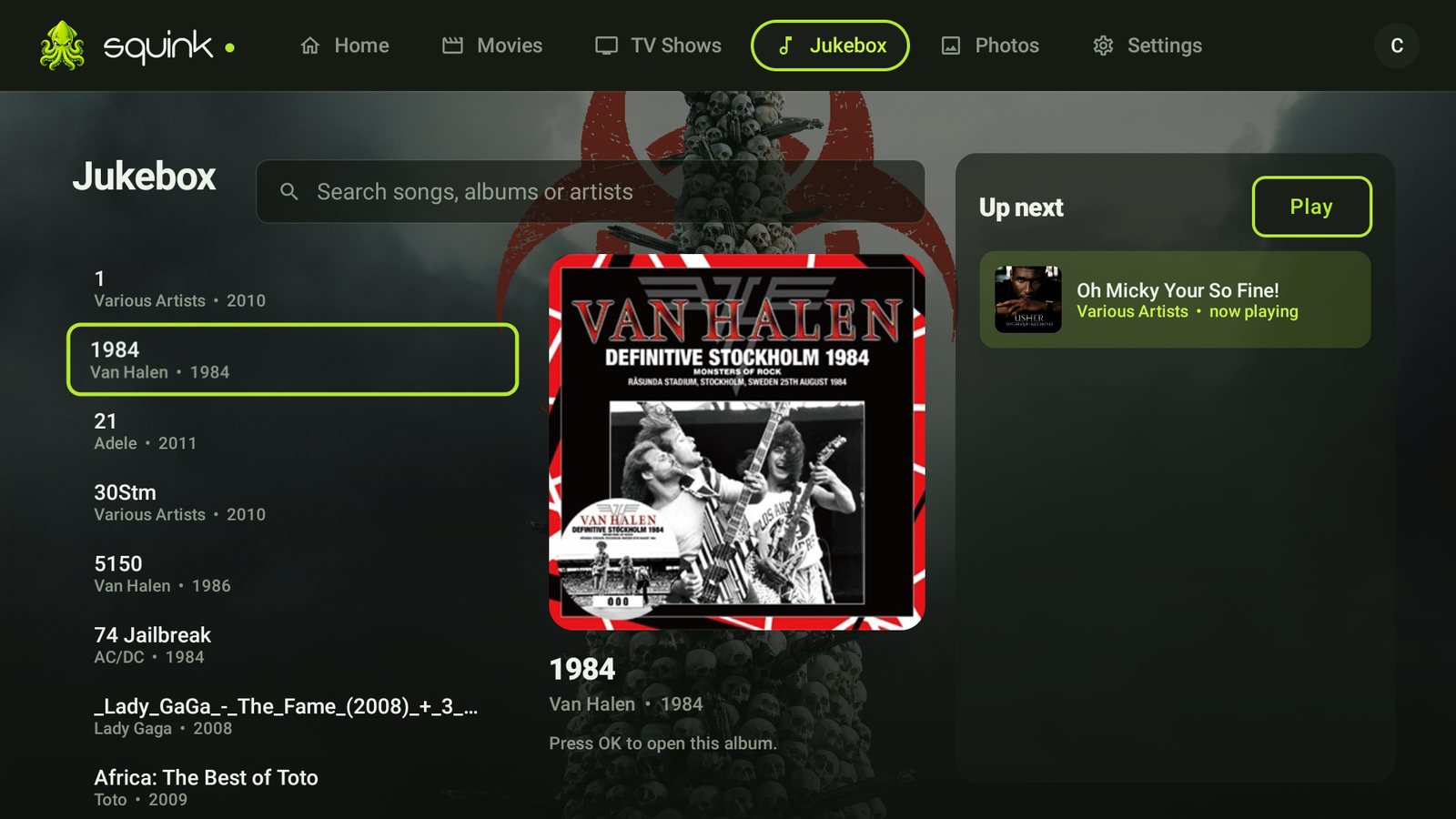
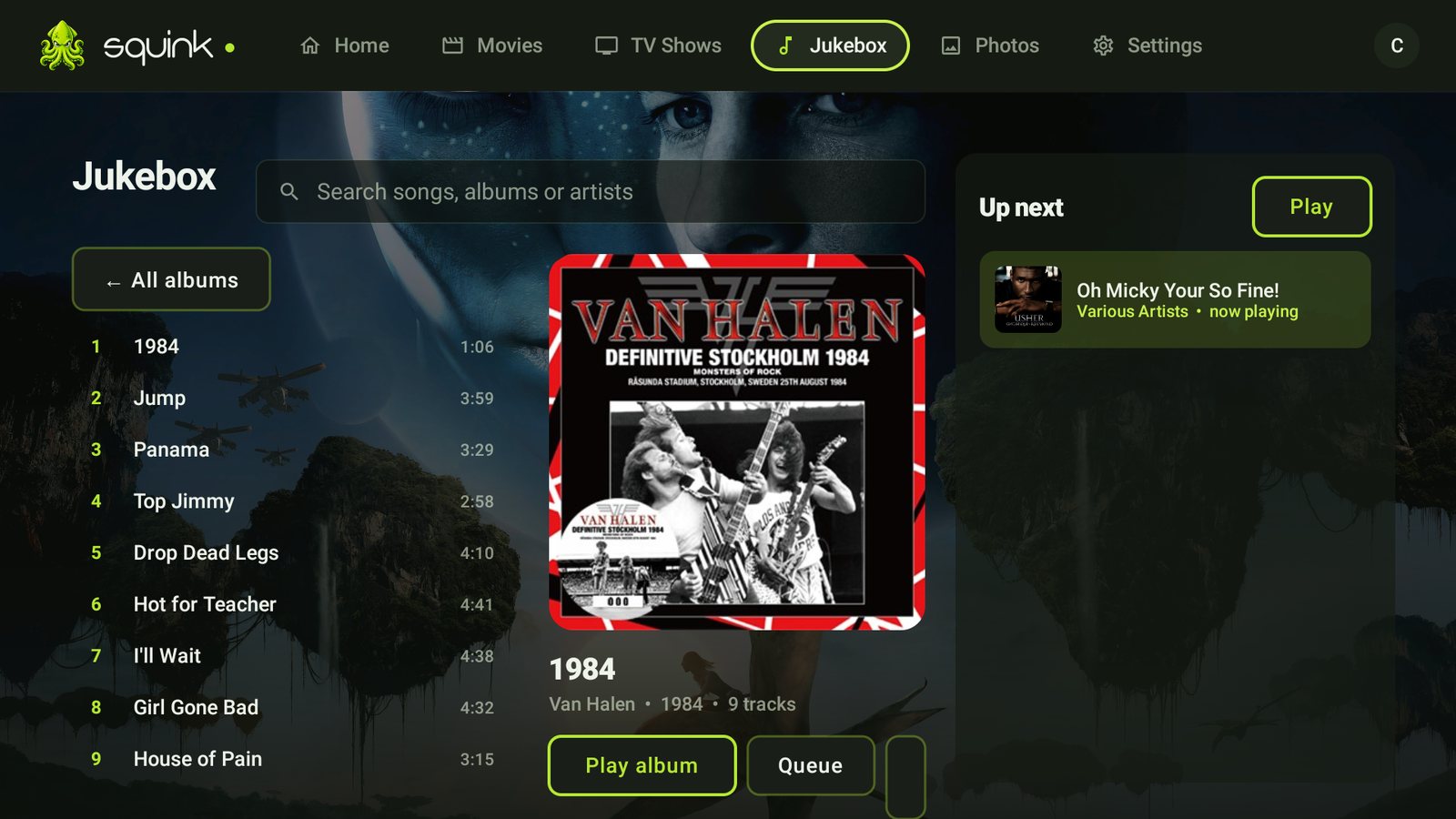
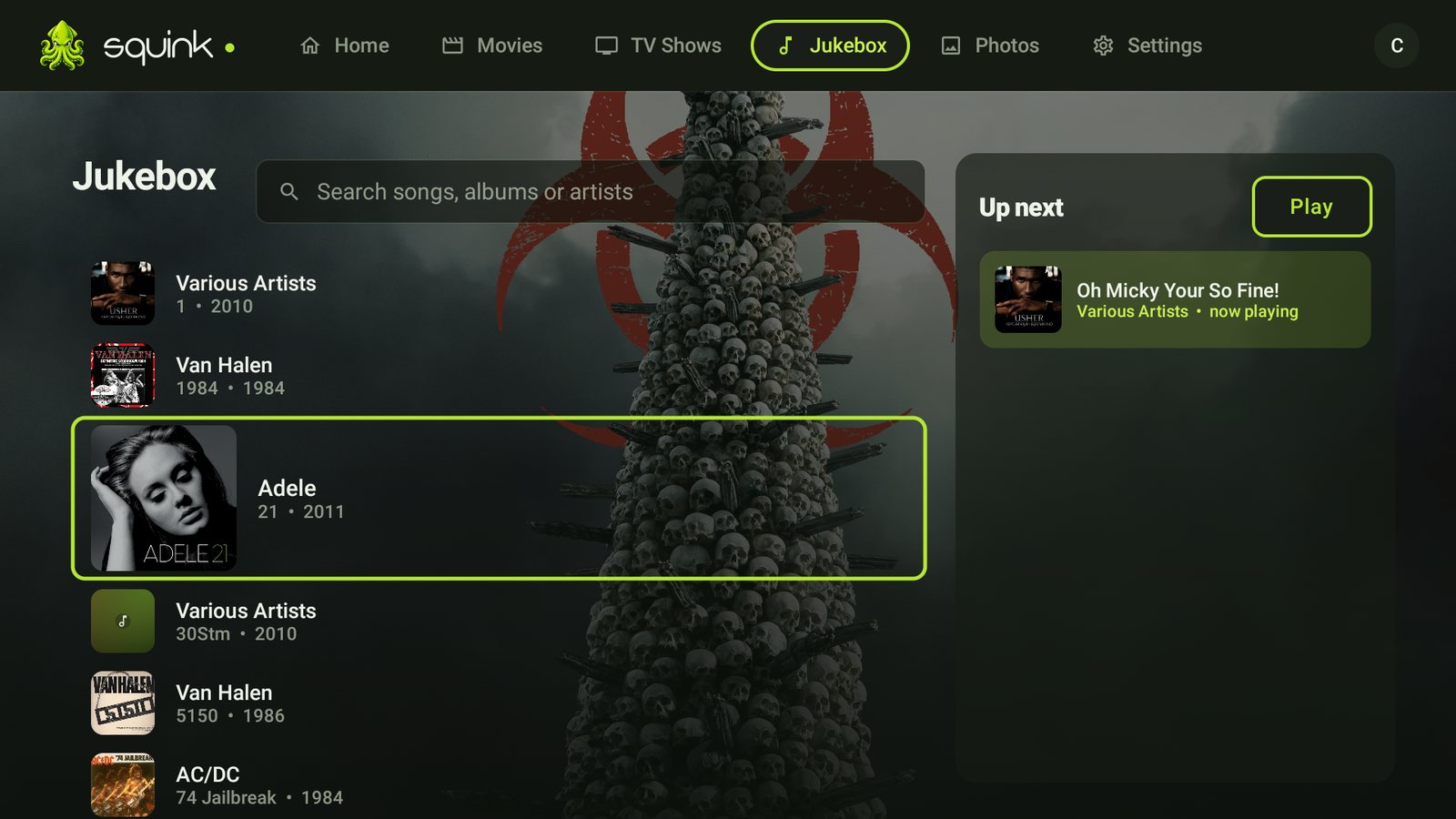
One shared music queue for the whole home. Anyone can add the next song from their phone, build playlists, and the TV shows a proper now-playing screen with what's up next.
Photo walls & screensavers
Every photo and video you've taken, grouped by day on a dense wall — with fullscreen slideshows that double as the TV's screensaver when the room goes quiet.
Squink Cast
Flick a photo from your phone to the TV in one tap — with a live laser-pointer highlighter for showing everyone exactly what you mean.
Phone becomes the remote
Drive any Squink screen in the house from your phone — browse, play, pause, skip and queue without hunting for the TV remote.
An AI librarian, built in
Ask for "that heist movie with the twist ending" in plain English and Squink finds it. Optional Claude-powered search that actually understands your library.
All your streaming apps
Netflix, Prime, Disney+, Stan and the rest get their own tidy launcher inside Squink on the TV — one home for everything you watch.
Smart streaming engine
Direct-plays whatever your device can handle and transcodes the rest on the fly — with GPU acceleration, subtitle burn-in and HDR tone-mapping when needed.
Away from home too
Built-in Tailscale support means your library follows you out the door — securely, with zero port-forwarding and a guided setup.
Real screenshots
Designed like it costs money. It doesn't.
Charcoal black, one signature lime, and layouts built for the couch — this is Squink running on a Fire TV.
Open any album — play it, queue single songs, or save them to playlists the whole house shares.Scroll the record shelf — covers bloom as you pass.The live house queue — songs added from any phone appear instantly.
Fire TV & Android TV Android phones iPhone iPad Any web browser
How it works
Three steps. Ten minutes. Done.
1
Install the server
Run one installer on any Windows PC. Everything's bundled — it sets itself up as a background service and opens your browser when it's ready.
2
Point it at your media
Add your movie, music and photo folders. Squink scans them, fetches the artwork and builds your library automatically.
3
Open it anywhere
The apps find your server on the network by themselves — pick it from a list, sign in once, and every screen in the house is connected.
Get Squink
Free. Properly free.
No trials, no tiers, no card details. Download, install, enjoy.
Squink Server for Windows
The engine. Installs the server, web app and everything needed on your Windows PC. Windows 10/11, 64-bit.
The full Squink experience on iOS — library, jukebox, remote and casting.
App Store — coming soon
New here? The setup guide walks you from download to every screen
in about ten minutes — including sideloading on the TV. Your server also hosts the Android apps itself
(open Get the apps for couch-side QR installs). Something not working? Tell us.